DP TYPE · Motion typography system for DaVinci Resolve
Typography is a decision. Motion is a second decision.
DP TYPE makes both and hands them back to you inside DaVinci Resolve.
92 parametric titles with native dual calibration: they recompose between 16:9 and 9:16 without rescaling or repositioning by hand.
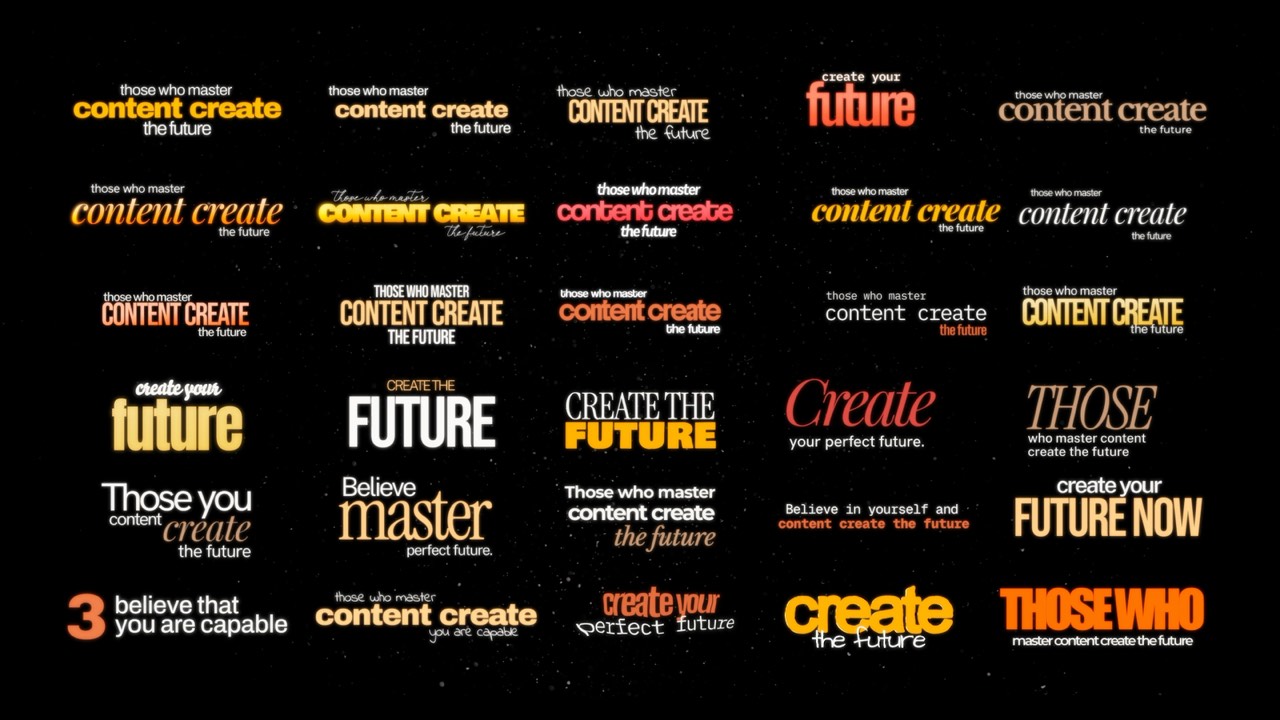
- 92 parametric titles
- DaVinci Resolve Free and Studio
- macOS and Windows
- 16:9 ↔ 9:16 native
Going from horizontal to vertical rebuilds the whole title.
Most titles in Resolve mean building node trees in Fusion, and moving from 1920×1080 to 1080×1920 means fixing coordinates by hand. DP TYPE removes that friction: the dual calibration lives inside the title.
Sixty-two primitives and thirty finished compositions.
The Essentials are building blocks grouped by kinetic behaviour, made to stack and combine on the timeline. The Signature set is finished art direction — weight, tracking, hierarchy, colour and balance — that settles a title in one click.
- 62Essentials15 Slides · 8 Lines · 8 Reveals · 8 Textures · 7 Blurs · 7 Words · 5 Glitches · 4 Rises
- 30SignatureComplete compositions with dual 16:9 and 9:16 calibration
- 24Families37 selected, installable cuts
Nothing is locked.
The controls stay open in Resolve's Inspector: text, font, size, tracking, colour, independent X/Y position per layer, glow, drop shadow and the out-animation toggle. Automation doesn't cost you authorship.
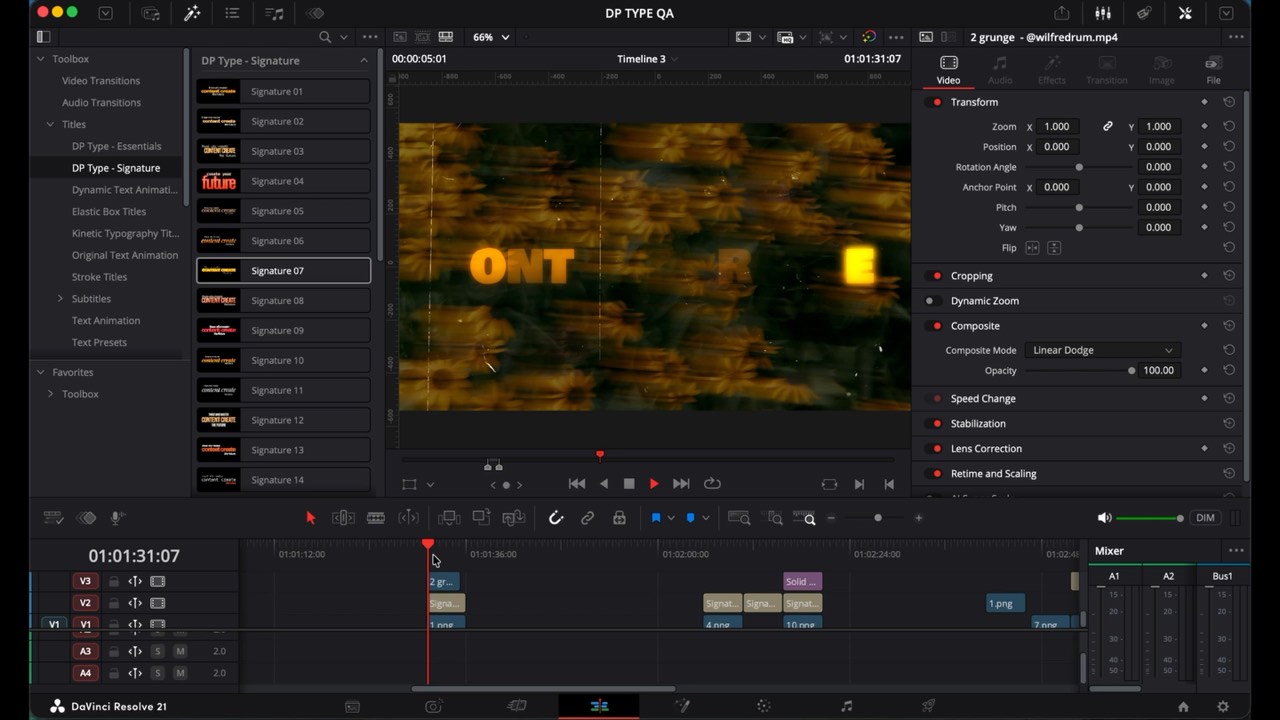
Three steps.
- 01Install the included fonts.
- 02Double-click DP TYPE.drfx.
- 03Restart Resolve: it appears under Effects Library › Titles.